








Computer · Daily schedule
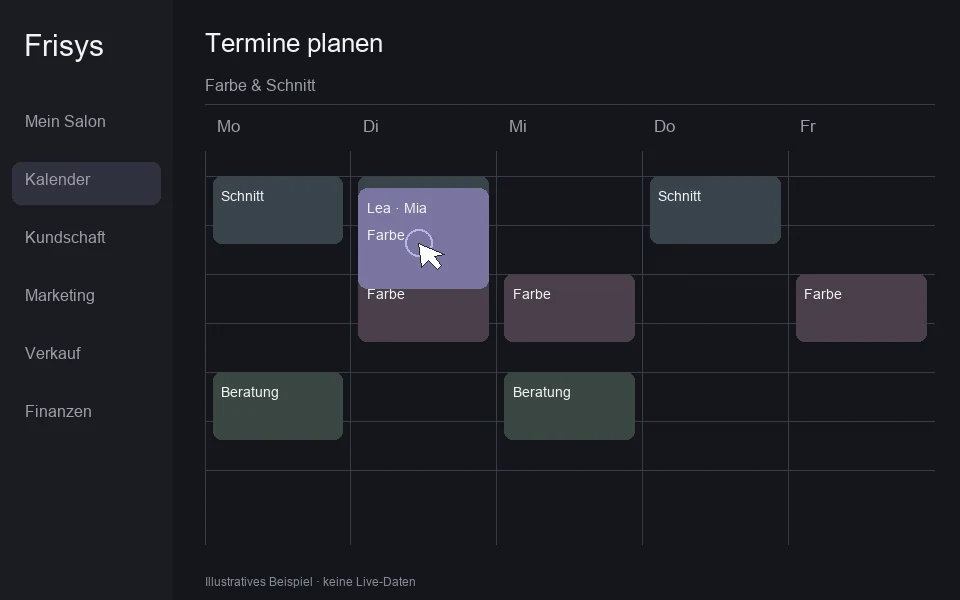
Open the calendar on the computer. The larger screen helps plan the day and work with multiple areas.
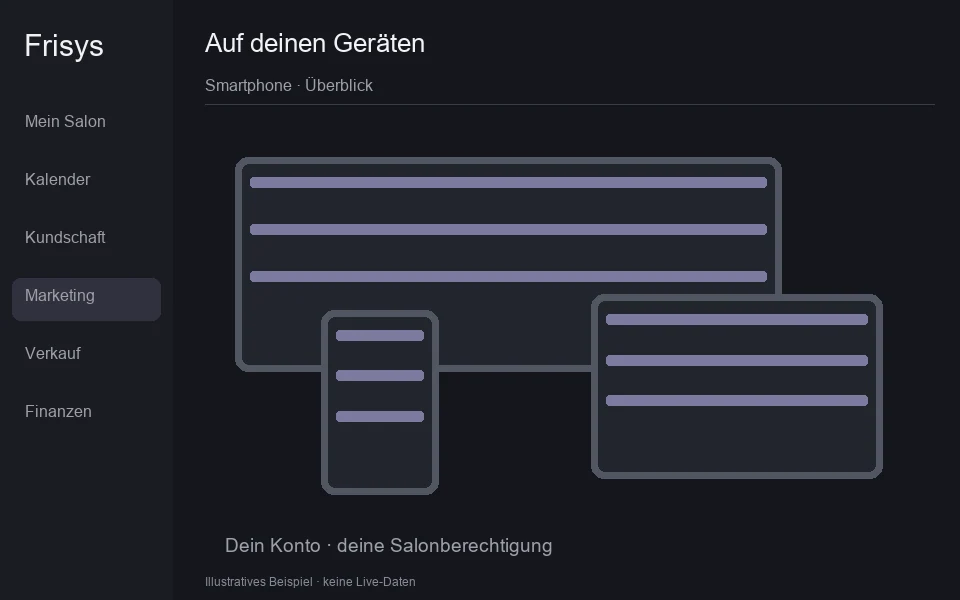
Your day in the salon rarely stays at your desk. Open Frisys in the browser on your computer, tablet or smartphone and continue working with your personal access.
Open the calendar on the computer. The larger screen helps plan the day and work with multiple areas.
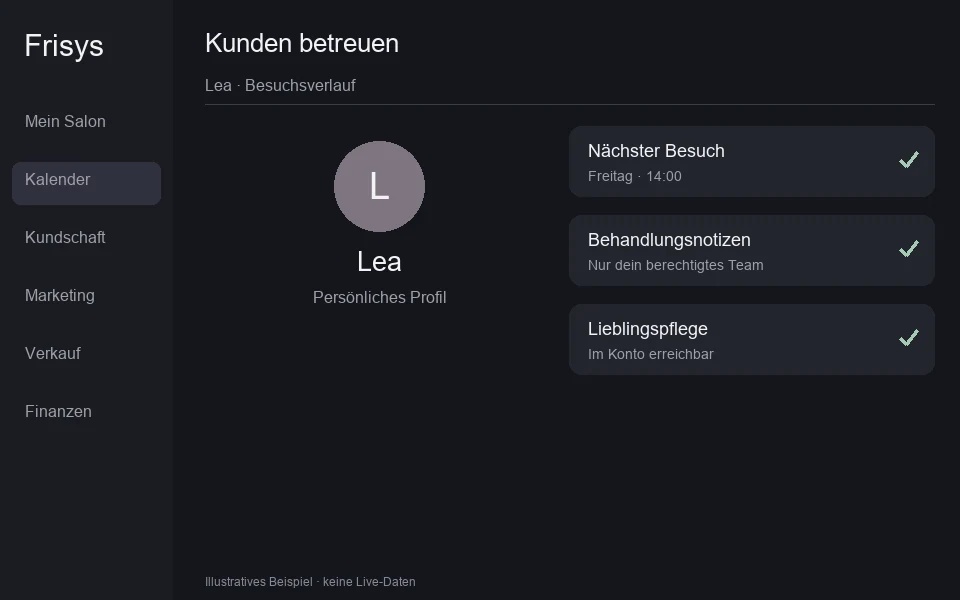
On the tablet you will find customer profile and treatment notes. Your access is further based on your salon role.
On your smartphone, open Frisys in the browser. Internet access and appropriate registration remain required.
Ein konkreter Ablauf. Schritt für Schritt in deinem Salon.
Open the calendar on the computer. The larger screen helps plan the day and work with multiple areas.
Scene 1 of 3: Computer · Daily schedule
Mia checks the calendar at reception in the morning and opens the customer profile on the tablet for advice. After work, she logs out of her session on the shared device.
Access the salon on the device that suits the respective work step.
You need an up-to-date browser, internet and a personal account set up on the respective device.
Open my active sessions.
Describe what you want to get done. Buddy will help you in the appropriate area and show you the next steps. Your account and your shares set the framework.
Get to know BuddyOne cut, one color, time to act. Plan the visit based on how your team really works. Everyone sees the same calendar and the next change.
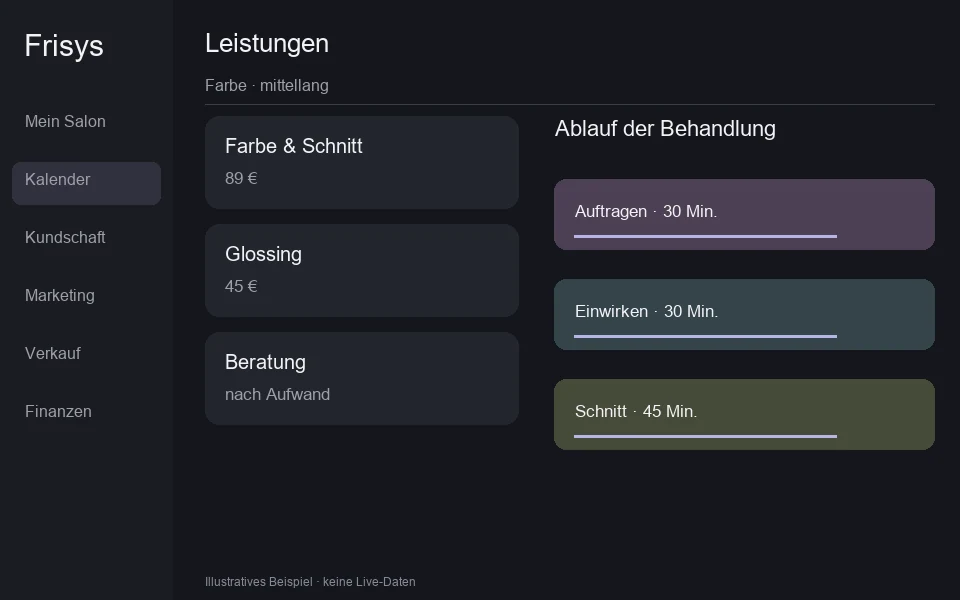
Not all cuts are the same. Create your services with variants, prices and the times that your work really needs.
The favorite color. The final care. A wish for next time. Record what is important to your customers and build on that when you see them again.
Buddy helps you find, prepare and get things done. Your releases stay with you.
From the appointment to the receipt, your team works with connected information.
In the right shop, your customers will find the recommended care even after their visit.
We look at your salon together and plan furnishings and changes.
We look at your everyday life, answer your questions and show you the functions that can specifically help your business.